Camgirl Equipment: Webcam, Lighting and Mic to Get Started
Camgirl equipment: 720p webcam, soft lighting, mic, wired connection, neutral backdrop, budget tiers and how to turn your camera into a webcam.
Written with Lena, a live camgirl
Updated 8 min read
You don’t need a film studio for your first live show: a sharp picture, soft lighting and clear sound are enough to get off to a good start. Here’s the camgirl equipment that really matters at the beginning, what can wait, and how to make use of the camera you may already own. The requirements quoted here come from Stripchat’s official help pages, as recorded in October 2026.
The essential equipment to start out as a camgirl
Here’s the bare minimum for a cam girl, based on the list Stripchat asks you to check before your first live show:
- an internet connection with at least 4 Mbit/s upload speed, preferably wired;
- a computer with at least a dual-core processor and 4 GB of RAM, or a phone;
- a webcam, or a camcorder connected to a capture card.
Add decent lighting and a decent mic, and you have the essentials.
The webcam: 720p minimum
In the official StripScore table — the score that affects your visibility on Stripchat — broadcasting from your browser in 720p or higher is one of the high-impact criteria, right after your hourly earnings. So aim for a webcam that films in at least 720p, or Full HD (1080p) if your budget allows.
Place it at eye level, on a stable support, and take care with your framing: a viewer decides in a few seconds, based on your thumbnail, whether or not to come in. One model says she went from 5 to 50 viewers just by changing her camera angle.
You can also broadcast from a phone, but not just any phone: Honor, ZTE and Huawei smartphones are not compatible with Stripchat’s mobile broadcasting.
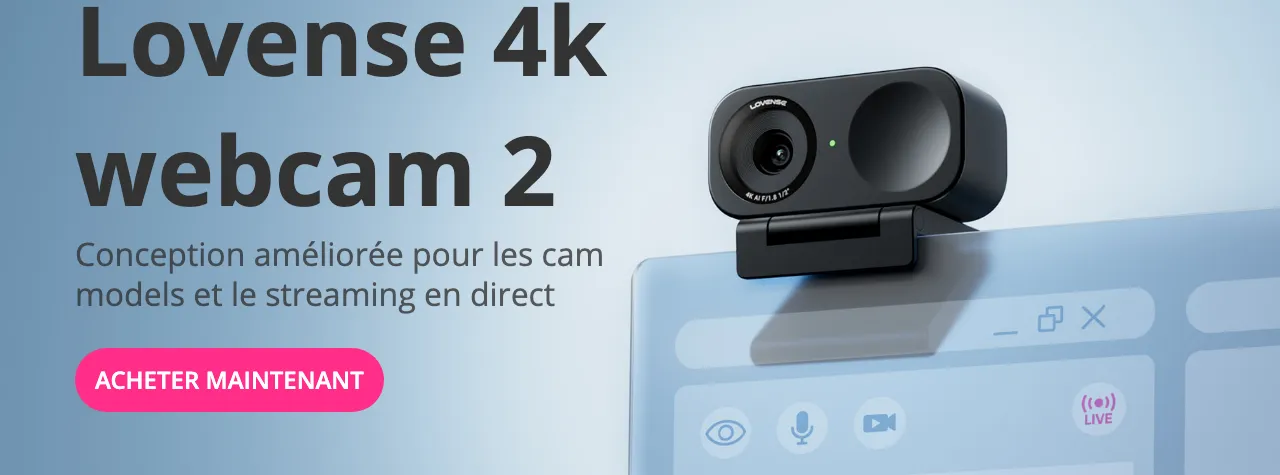
If you’re planning to use a Lovense toy, note that the brand also sells its own webcam, designed for live shows: the Lovense Webcam 2, at $149.99 at the October 2026 list price. It films in 4K, with an HDR mode for low light, AI background noise reduction for your voice and automatic framing that follows your movements (an option you can leave switched off if you’re hiding your face). It works with Lovense’s live-streaming tools, and the brand states that it also works on other platforms, such as Zoom or Twitch. It’s not a must-have: any webcam at 720p or higher will do to start with.
Lighting: soft and facing you
An average webcam that’s well lit generally does better than a very good webcam in dim light. The basic rules:
- the light comes from in front of you, slightly above eye level;
- never a window or a lamp behind you: you’d turn into a dark silhouette;
- prefer diffused light over a bare bulb: ring light, LED panel or softbox;
- stick to a single light colour, without mixing daylight and warm bulbs.
The mic: you’re going to talk a lot
Your voice is a big part of your show: greeting people as they arrive, saying thank you, announcing your goal. Having your mic on during the live show also counts towards the StripScore. The one built into your webcam can do in a pinch; a separate mic (a USB one placed out of frame, a lavalier mic or earphones with a mic) generally gives cleaner sound.
The connection: stable, wired if possible
Stripchat puts it bluntly: a good webcam is useless without a good connection. Take the speed test it offers before you start, and plug in with a cable: Wi-Fi isn’t always stable enough. If your picture stutters, avoid free VPNs, proxies and ad blockers.
How do you turn your camera into a webcam?
To use a photo camera or a camcorder as a webcam, there are two routes: connect it by USB and switch on its webcam mode (or install the webcam software its manufacturer offers for certain models), or connect its HDMI output to a capture card, which the computer then recognises as a webcam. Before buying anything, check on the manufacturer’s website what your model allows.
- Webcam mode over USB. Some recent cameras have a “webcam” or “USB streaming” mode in their menus: plugged into the computer, they show up directly in the camera list. For others, several major manufacturers offer software, often free, that does the same job.
- The capture card. It’s a small box, usually connected by USB, that receives the camera’s picture over HDMI and passes it to the computer as a webcam; Stripchat mentions this solution in its equipment list. Your camera must be able to send a “clean” picture over HDMI, without the information displayed on its screen.
- Precautions. A live show lasts hours: plug the camera into the mains (its battery may not last a 3- to 4-hour session), turn off its automatic sleep mode and keep an eye on it overheating.
All that’s left is to choose your camera on your broadcasting page, from your browser: that’s the method the StripScore criterion refers to. Stripchat also recommends OBS Studio, free broadcasting software that lets you go up to 1080p, without specifying whether broadcasting through software counts the same way towards that score.
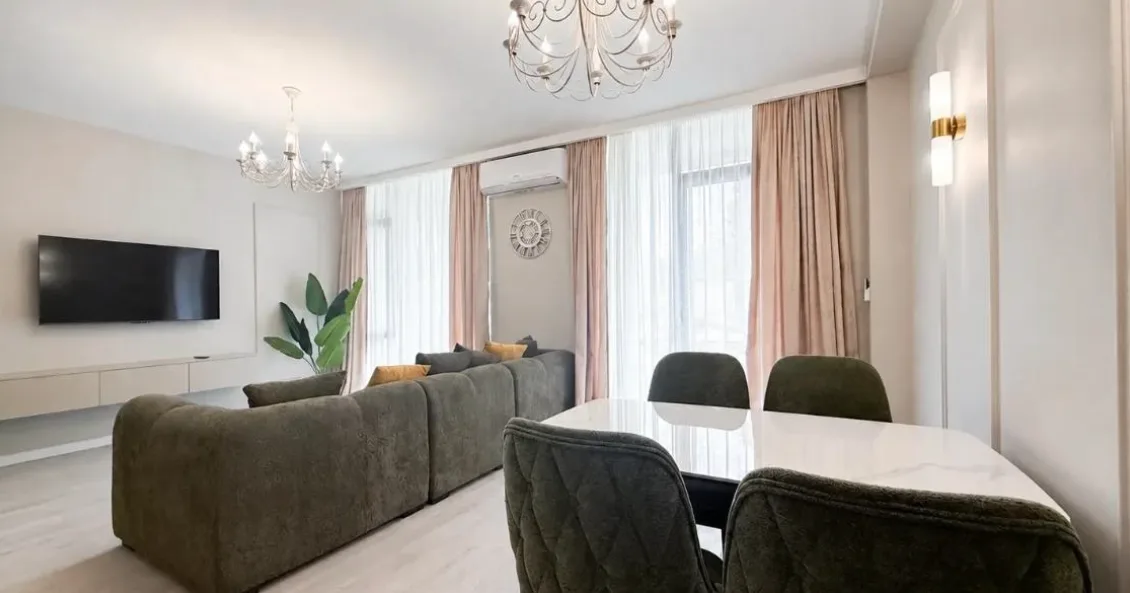
A neutral backdrop, with nothing personal in it
Your backdrop matters both for your image and for your discretion: LiveJasmin, for instance, reviews models’ backdrops before accepting them.
- A simple background: a plain wall, a curtain or a headboard, with neutral decor.
- Nothing personal: no photos, no mail, no diploma, no object someone close to you would recognise, and nothing recognisable through the window.
- No reflections: mirrors, windows and screens send back an image of the room, and a notification can display a real name.
- No one else in frame: only people registered and verified on your account may appear, even in the background or on a TV screen. Close the door and warn the people you live with.
To go further, read how to stay discreet and anonymous and, if you’d rather hide your face, what’s allowed without showing it.
Your starting budget, tier by tier
There’s no need to buy everything at once: start with what you have, then invest at the pace of your earnings.
Tier 1: with what you already have
- your computer’s webcam, if it films in 720p, or a compatible phone;
- a lamp with a shade placed in front of you, or a window in front of you if you broadcast during the day;
- earphones with a mic;
- a network cable between your internet box (your router) and your computer.
Cost: almost nothing.
Tier 2: the first worthwhile purchases
- dedicated lighting: a ring light or an LED panel;
- an external Full HD webcam;
- a USB mic.
For entry-level models, expect something in the region of a few dozen euros per item. If your webcam already reaches 720p, start with the lighting.
Tier 3: once your live shows are running
- a photo camera or a camcorder, with a capture card;
- two or three light sources;
- a more polished backdrop.
Here, we’re talking several hundred euros instead: wait until you have steady results. And if someone asks you for money up front, even for equipment, be wary.
Interactive toys: a bonus, not a priority
Some platforms let you connect an interactive toy to your live show — a connected accessory that reacts to tips according to a duration and intensity you set yourself. Stripchat supports the brands Lovense and Kiiroo, and forbids passing off a fake toy as a real one or advertising one on your profile when it isn’t connected, on pain of a temporary account suspension.
Lovense’s toys for live shows, at the list prices shown in October 2026:
- the Lush 4 and Lush Mini vibrating eggs, at $129, and the Vulse, at $119, which adds a thrusting motion;
- the Hush 2, a connected plug, at $119;
- the Ferri, which clips onto your underwear, and the Domi 2, a small vibrating wand, at $119 each;
- the machines: the Mini Sex Machine, at $399, which the brand recommends for starting out in live shows, and the Sex Machine, at $699.
None of this is essential to get started: how they work, the right settings and the setup are all in our guide to interactive toys.
Before your first live show: the checklist
Tick everything off before your very first broadcast:
- Connection: speed test done (at least 4 Mbit/s upload), cable plugged in if possible.
- Camera: allowed in your browser, selected on your broadcasting page, in 720p or higher, at eye level.
- Lighting: facing you, with no backlight, tested at the time of day of your live show.
- Sound: mic on and allowed in your browser, background noise cut out.
- Framing: looked at through a stranger’s eyes, with nothing personal and no reflections.
- People around you: door closed, members of your household warned, TV off.
- Power: computer and camera on the mains, or phone charged above 50%.
- Computer: unnecessary programs, tabs and notifications closed.
- Profile: complete, because your “new model” period (30 days or 80 hours of live broadcasting) starts with your first broadcast. So do your test runs offline, with your computer’s camera app. All the steps are in the guide to becoming a camgirl.
In summary
- The minimum according to Stripchat: 4 Mbit/s upload, preferably wired, a decent computer or a compatible phone, and a webcam.
- Aim for 720p or higher in your browser: it’s a high-impact StripScore criterion.
- Soft lighting facing you and a mic that’s switched on matter more than a high-end camera.
- Your photo camera can become a webcam: webcam mode over USB, the manufacturer’s software or a capture card.
- Neutral backdrop, nothing personal, and no one else in frame.
- Equip yourself in tiers, at the pace of your earnings; interactive toys remain optional.